 Ozmium Docs
Quickstart
Open Ozmium without a wallet, connect one when you want to transact, fund it on Base, and execute a first swap.
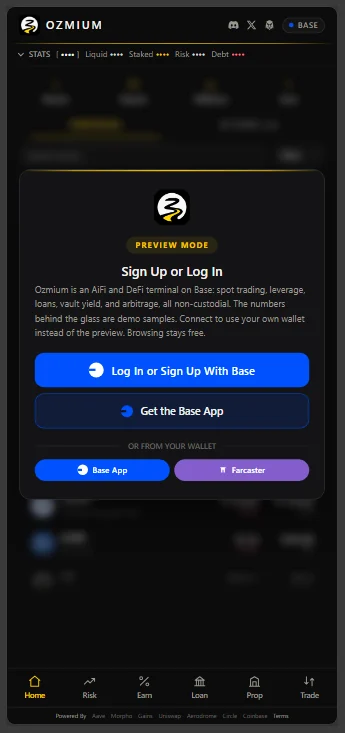
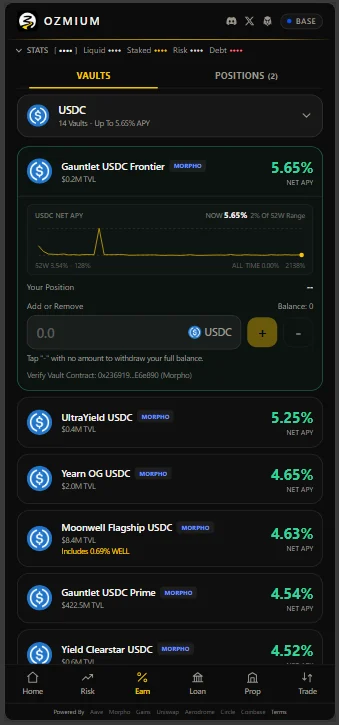
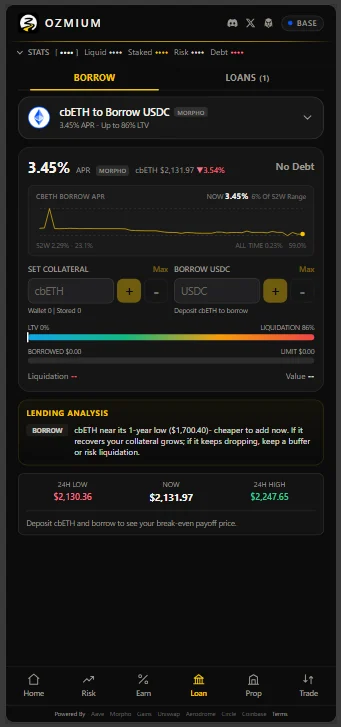
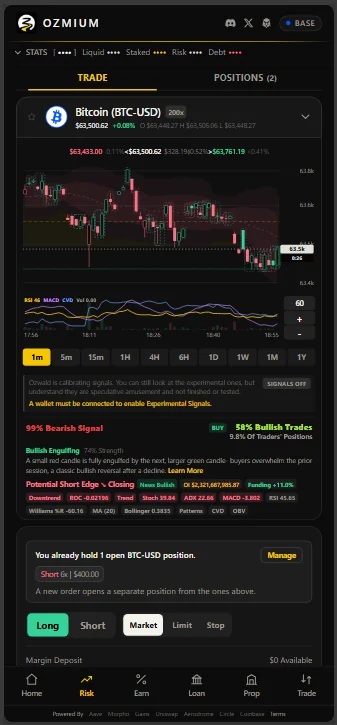
Every screen above renders before you connect anything.
Go to ozmium.org. The product is in front of you immediately, running on live market data rather than a mock-up. Vault lists carry real net APY and TVL, loan markets carry real rates and borrowing ceilings, and the charts cover the full tradeable pair universe. A sign-in card is offered. Dismiss it and keep reading.
Frosted glass appears over the columns that are meaningless without a wallet, such as your asset list and your transaction history, with labeled demo samples underneath. Nothing interrupts you with a connect popup. To see the whole interface populated with positions before connecting anything, open the demo view.
That was a deliberate change. In the operator's words:
Last night, I read an X post from a genuine perspective throwing shade at apps that require you to connect your wallet or SIWE to see features. Absolutely lost sleep over it. So as of today, you don't need a wallet to use Ozmium.
Connect a Wallet to Transact
Reading is open. Signing requires a wallet, and there are three ways in:
| Option | For |
|---|---|
| Sign in with Base | An existing Base account, via extension, the Base App, or the email and passkey it was created with |
| Create A Base Account | Starting fresh. Email and passkey, no seed phrase |
| Mini-Apps and More | An injected EIP-1193 wallet, or Ozmium opened inside the Base App or Farcaster with the host wallet already connected |
Both Base options open the same SDK window, which offers sign-in and account creation together.
EIP-5792 smart accounts are supported and preferable: approvals batch with the action into a single confirmation, and the host can sponsor gas.
New to Base entirely? See Wallets And Base.
Fund the Wallet
| Asset | Purpose |
|---|---|
| ETH | Gas. Nominal balances suffice, but never let it reach zero |
| USDC | Perpetual margin and the quote asset for most activity |
Buy through the in-app Deposit flow, which routes to Coinbase's hosted on-ramp, or withdraw from an exchange to Base. Full detail in Transfers.
Execute a Swap
A swap is the shortest path through the full signing flow.
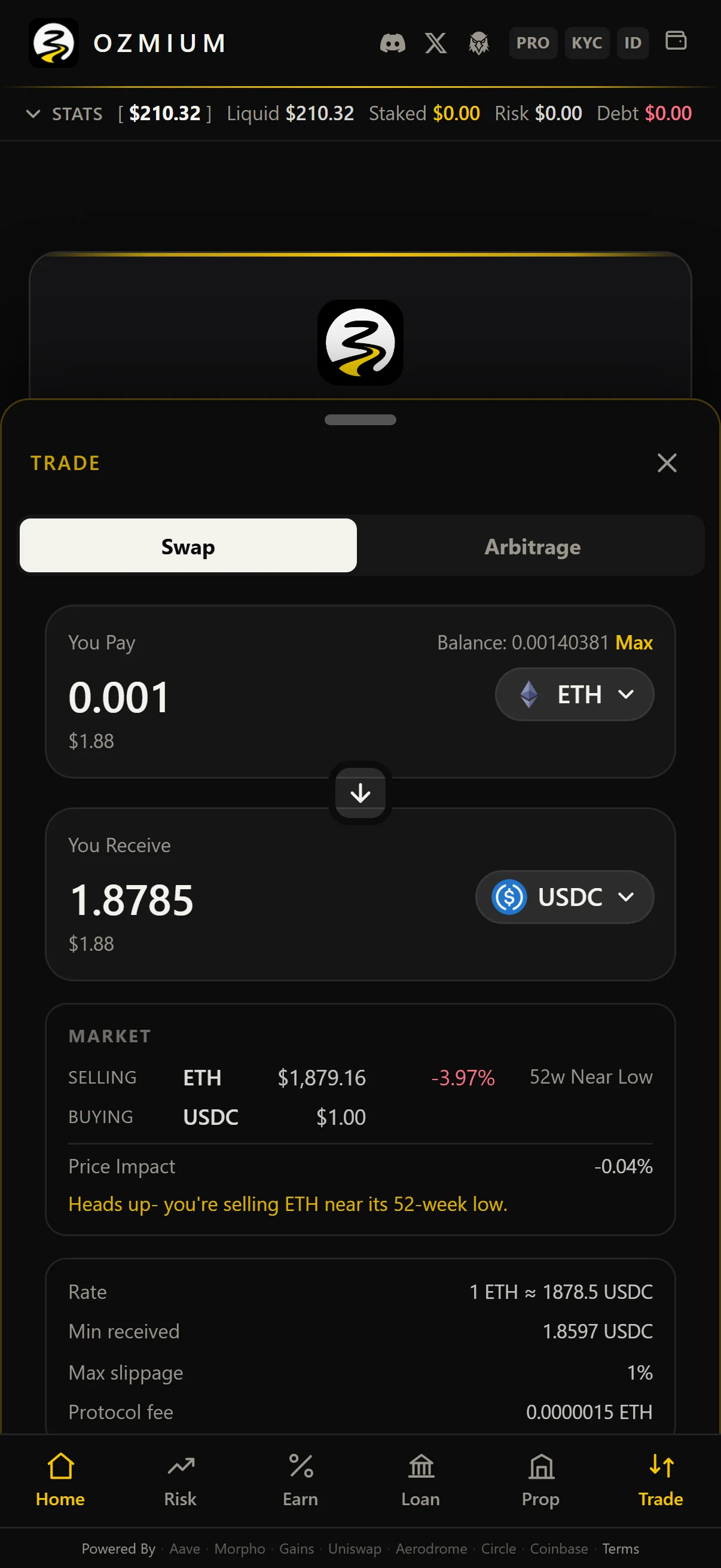
- Select the asset you are paying with and the asset you want.
- Enter an amount. Expected output, route, price impact, minimum received, maximum slippage, and protocol fee are displayed before you commit.
- Approve the token if this wallet has not spent it before. Smart accounts batch this with the swap.
- Sign. Your wallet displays the final transaction; it cannot be altered after that point.
- The resulting hash links to Basescan.
Full detail in Trade.
Verify Before You Sign
Your wallet is the final control. Before approving:
- Confirm the destination contract against Security And Trust.
- Confirm the asset and the amount. An unlimited approval is a standing permission, not a one-time spend.
- Confirm the network is Base mainnet, chain 8453.